Close an injury message without using a potion
Injury messages from the Club Physio now have a "Let it heal naturally" button. It marks the message as handled and costs nothing, and the player recovers under the club's weekly medical care as before.
What has changed in Quidditch Manager, newest first. The game is free in your browser and updates itself, so you always play the latest version.
Each entry says what you can now do as a manager. For how the game works, read the beginner's guide, or browse the leagues, the competitions and the positions guide.
Injury messages from the Club Physio now have a "Let it heal naturally" button. It marks the message as handled and costs nothing, and the player recovers under the club's weekly medical care as before.
Training now runs in two groups, First team and Youngsters, each with its own three sessions a week. Switch between them on the Weekly sessions tab, let the coaches plan each one, set the sessions yourself, or have the youngsters follow the first team. In a match week the players who did not play now train a third session.
Young players who are not in your lineup are placed in the Youngsters group by a simple rule, and you can move anyone yourself on the new Groups & focus tab, sort again, or rename the groups. Expected effects show the forecast for players who play and players who do not, and Last week shows how each group trained.
Your assistant tells you whether you are in the play-in, have a bye or have missed out, and Home names the round and what a win leads to. The league table marks the bye and play-in places, and after the final the champion and the final ranking are shown.
Every playoff match is now named by its round (play-in, semi-final or final) in the match intro, the match bar, your fixtures and the match report, and full time says what the result means for your season.
Competitions now draws the playoffs as a bracket, with seeds, weeks and your ties in gold. Until the regular season ends it sits below the table and shows the playoffs as they would be today; after that it sits above the table. The season review and History keep the finished bracket.
The Daily Prophet now covers the playoffs as playoffs: it names the six clubs and the ties when they are set, reports who went through and who is out after each round, tags playoff previews and match reports with their round and what is at stake, and calls a lower seed beating a higher one an upset. After the final it leads with the champions.
The assistant's "Playoffs over" and "League champions" messages in the inbox now show the playoff bracket, with seeds, scores and your ties in gold, and the bracket fills in after the final if you went out early.
In a playoff league the last rounds of the regular season now say what is really at stake, a top seed, a bye or a playoff place, instead of a title race or a European place.
The playoff final is now played at a neutral ground with 15,000 seats, a different one for each playoff league, with no home advantage, and the two finalists share the gate.
After each season the Chairman now writes you a short letter: how the club did against the tip, the highlights, what the fans liked and did not, and what is coming up.
You also get a note when the league title is decided, and a note with the player card when one of your players reaches a club milestone, such as 250 saves or 100 appearances.
Routine club news now arrives as a single Club report every four weeks from your Assistant Manager, covering training, your supporters and the running costs, instead of three separate messages.
The Transfer Wire only reports the bigger moves, so the inbox is quieter, and an unanswered press question leaves a short note from the Press Officer.
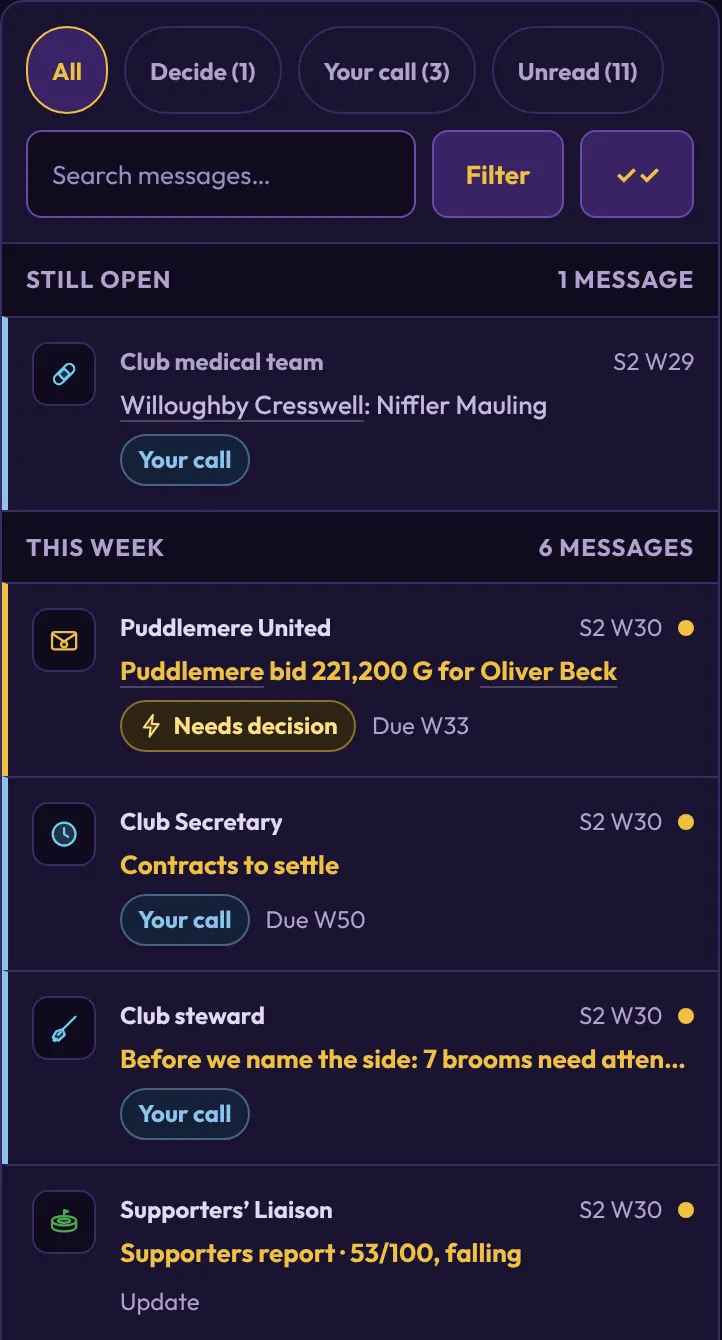
Optional decisions are now marked "Your call", with their own filter and a count at the top of the inbox, while the badge in the menu still counts only the decisions you must make. Hints are labelled as tips.
The list is split into this week, earlier this season and one tidy bar for each past season, which you tap to open and which shows how many of its messages are unread. A Filter button narrows the list by category or hides resolved mail, and every message icon takes the colour of its category.
Prophet and Transfer Wire subjects now name the lead story or move, and a broken promise is marked as a warning in the list and in the message.
Clouds drift, flags wave, water shimmers and every venue has its own signature effect, from northern lights over volcanic lakes to boats and gulls on a fjord. Now and then a rare magic moment appears, such as a whale tail, owl post or a glint of the Snitch. The scenes stay still when your device asks for reduced motion, and tournament stories now picture the real host venue.

Pick Standard, Long or Marathon matches when you start a career, or change it later in Settings. Longer matches make the Snitch appear later, so more goals are scored before the chase ends.
Your assistant can now book friendlies for you. New careers also get a home friendly in week 1, offered from the guided tour.
The full-time team photo lights up with fireworks when your result wins a cup or World Cup final, a playoff final, or clinches the league title.
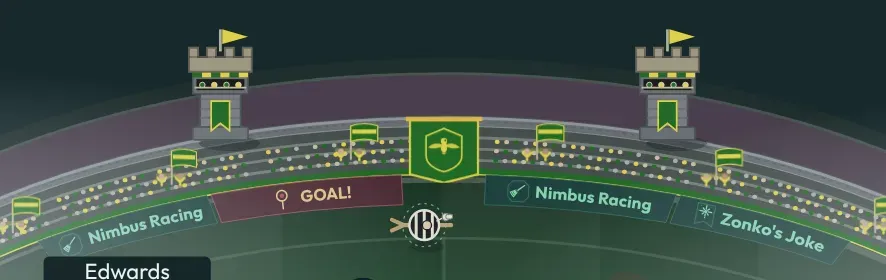
The cup scoreboard scrolls LED messages, flashes GOAL! on every goal and can be hit by a scoreboard jinx.
The weekly best seven are shown on a pitch with portraits, each with their club in the caption.
Switch the Daily Prophet between light and dark paper. The dark night edition keeps the illustrations readable.
League matches now show pitch-side sponsor boards with slogans, crowd reactions and the occasional board jinx. You can hide them in Settings or Stadium Look.
The Prophet now opens on a front page whose lead story is chosen by how newsworthy it is. It brings a weekly wizarding-world story, a transfers round-up, columns, letters, adverts and a quote and stat of the week.
After a match your side is shown celebrating or dejected under a big Victory or Defeat headline. After a title the trophy is in the picture, and the weather carries onto the ground.
Pre-match and post-match team talks now play out in a dressing room with your starting seven.
Free of charge, change your ground's architecture, roofs and banners. You can also build a landmark such as a clock tower, a lighthouse or a lake with a boathouse.
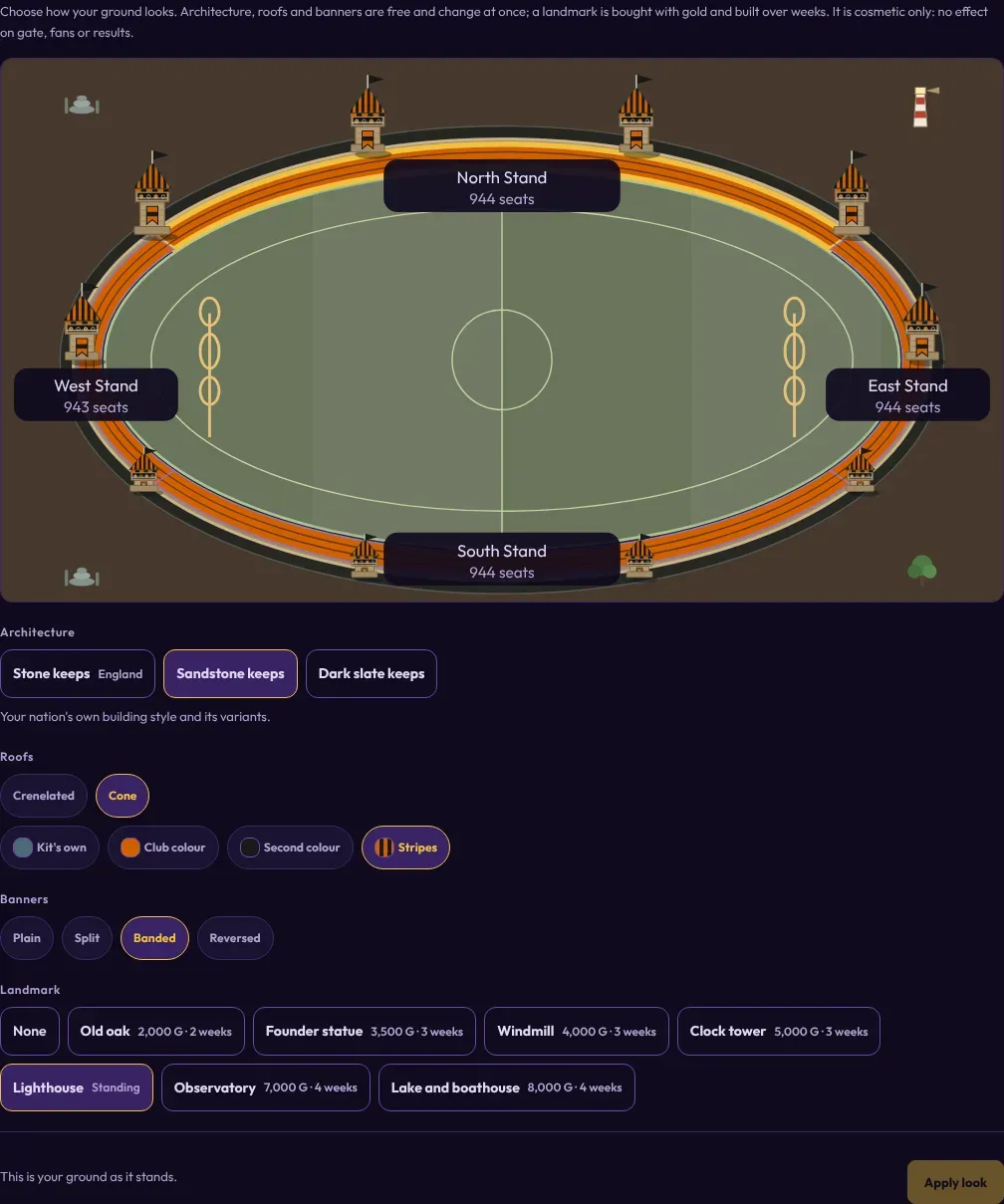
Grounds now have tower architecture, national kits, cup venues and regional scenery such as snow, and the scoreboard updates live during the match.
Before derbies, title deciders, knockouts, season openers, World Cup games and the School Cup final, both starting sevens fly in one by one before kick-off.
Players now appear as full-body figures in the team photo and as player of the match, with their kit, broom and bat.
Sixteen named plays now appear on the pitch, from Chaser attacks to Seeker feints. A referee on a broom calls fouls, and the crowd does waves and casts spells, and stewards on brooms chase pitch invaders.
Stadium, Facilities, Staff and Equipment each get their own page, with dividers that make the menu easier to scan.
Every player gets a grade from 1 to 10 after each match, with a post-match report that explains the result.
The game keeps rolling backup snapshots of your career and reminds you to back up around the end of a season.
Manager reputation now decides which clubs approach you, with five to ten jobs offered in one message. A former club where you won enough may offer you a return.
A panel of journalists votes for the best player of the season, with a ceremony at the end of the year and rumours in the weeks before.
Keep several careers on one device and switch between them from a scene that loads the one you pick.
Each tournament venue has its own pitch and regional scenery, so a final in the highlands looks different from one in the desert.
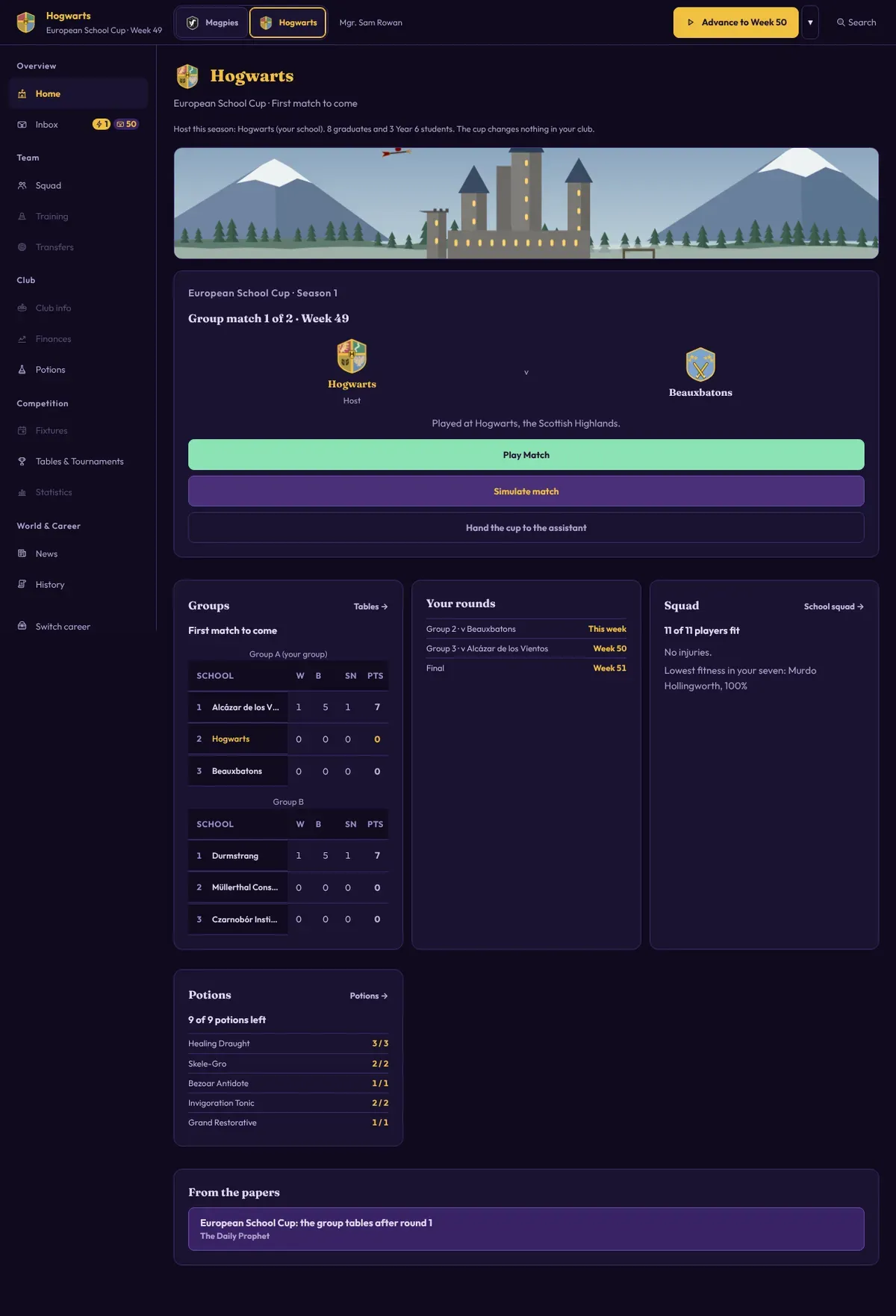
At the end of each season, coach your league's wizarding school in a European or Intercontinental School Cup: two groups of three and a final over weeks 48 to 51.
The squads are next year's academy graduates, so you meet them early. You can hand the cup to the assistant or switch it off, and it changes nothing in your club.
Each tournament opens with a welcome scene at its host venue, and every draw has its own ceremony. For the World Cup you pick your nation and get a briefing on it.
Call a timeout in a match and talk to the team. The talk can help or hurt, and the result is explained with tips afterwards.
History now has season reports, a Career view and Records, and you can export it as a PDF.
Rare players change their hair as you watch, and some squad members now have dyed hair.
Players now make requests, remember promises, react to praise and criticism, and you can name a team captain.
Add hospitality boxes to your stadium for extra income, and build a two-tier Grandstand.
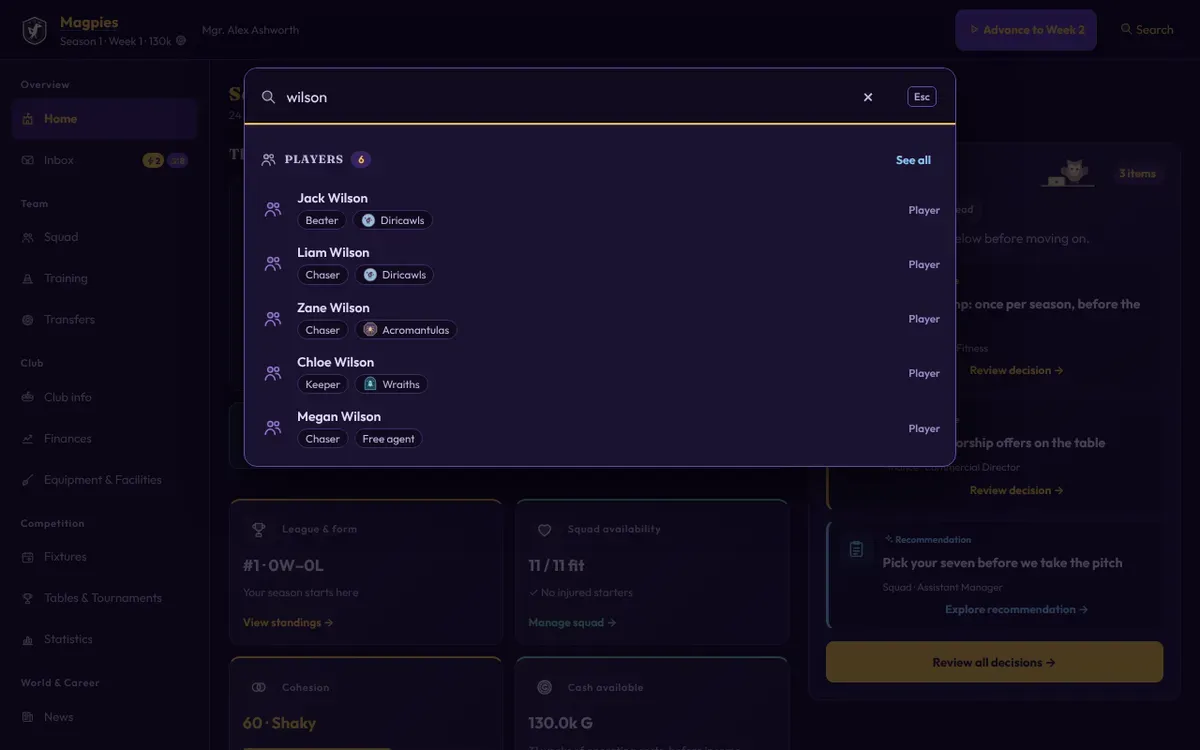
Type a name or the name of a screen into the search in the top bar to jump straight to a player, a club or a page of the game.
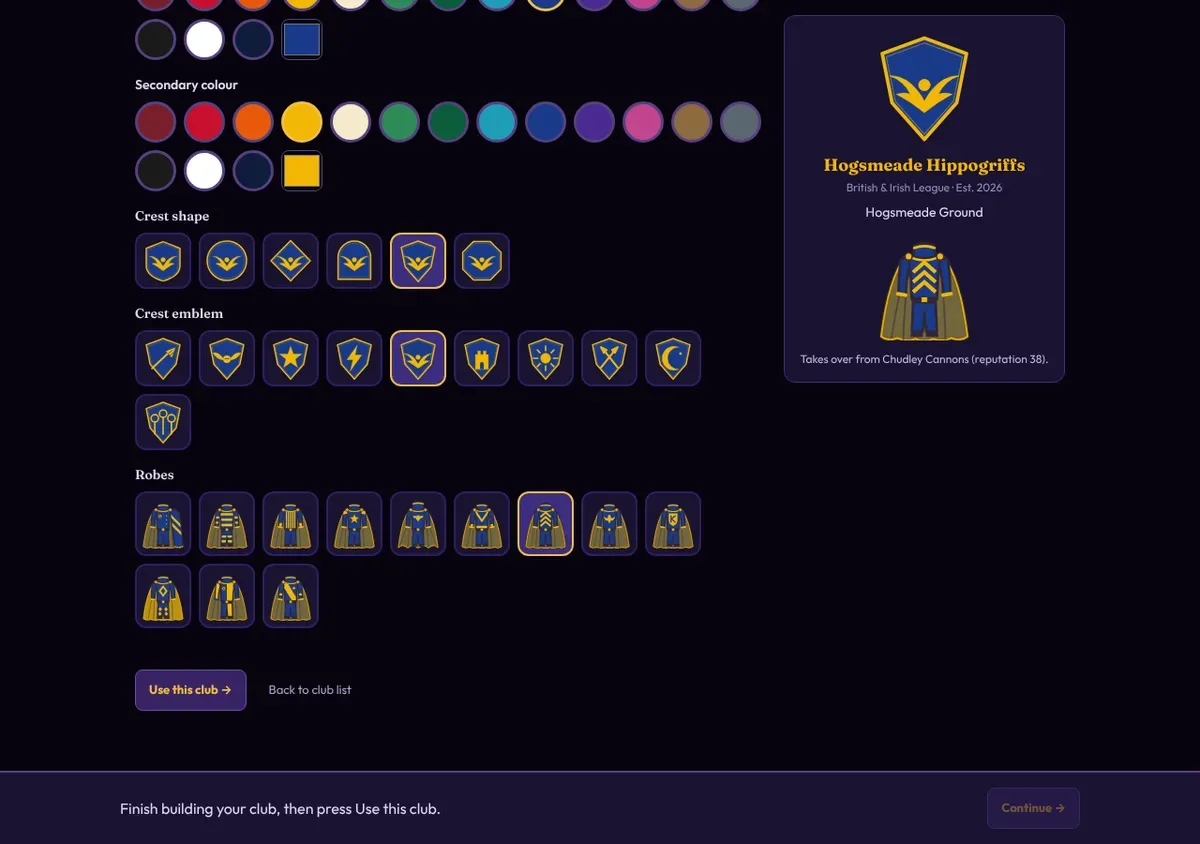
Start a career with a club you design: name, country, colours, crest and robes. It takes over an existing club's league place, squad and stadium.
Nine new leagues bring the game to 21 in all, and clubs from the Americas, Africa, Asia and Oceania now compete in four continental cups. A qualification guide explains who plays in what.